
AI workflow automation for your business
Your repetitive tasks — data entry, follow-ups, reports, reminders — executed automatically, 24/7. AI even reads what classic automations can't understand: emails, screenshots, PDFs.
Email, WhatsApp, form — even a simple screenshot.
Name, date, request, amount — extracted and verified automatically.
Spreadsheet, calendar, SMS, report — without any re-entry.
The basics
What is AI workflow automation?
Classic automation has existed for years: 'if a form is filled, then add a row to the spreadsheet.' It works as long as information arrives clean and structured. But SMB reality is the opposite: requests arrive in hastily written emails, purchase order photos, WhatsApp messages, scanned PDFs.
That's where AI changes the game. It reads this content like a human would — it understands that 'we'd be 4 on Thursday around 6:30pm' is a reservation for four — then transforms it into structured data your tools can use. The rest of the flow (spreadsheet, calendar, SMS, report) then runs on its own.
At Nelvox, we don't sell another piece of software: we map your processes, build automation on the tools you already have, and monitor it in production. And we know it works, because we run our own businesses with it.
The problem
The invisible work eating your weeks
per week: what repetitive manual tasks can cost a small team — data entry, copy-paste, follow-ups, reminders.* Order of magnitude — the actual cost is quantified for your business during the free assessment.
Endless re-entry
The same information typed three times: in the email, in the spreadsheet, in the calendar.
Copy errors
A reversed number, a shifted date — and it's an unhappy customer or a false report.
Stuck information
Data lives in emails, photos and PDFs — unreadable for your tools.
No traceability
Who handled what, when? Without logs, impossible to prove compliance or find the error.
The method
How we automate your processes
No software to learn, no migration: we build around what you already use.
Diagnostic
We map your processes and identify the best candidates.
Build
We build the scenario: triggers, AI layer, actions, validations.
Go live
Connected to your existing tools, tested on your real cases.
Monitoring
Logs, alerts and adjustments — we monitor in production.
- Connected to your toolsGoogle Sheets and Calendar, Excel, email, WhatsApp, Stripe, your CRM: automation plugs into your daily workflow rather than replacing it.
- An AI layer that reads everythingFreeform emails, screenshots, scanned PDFs: AI extracts useful data and structures it before triggering the next steps.
- Human validation where neededFor high-stakes steps — a payment, a client commitment — the flow pauses and waits for your approval. AI proposes, you decide.
- Full traceabilityEvery execution is logged: what data, what action, at what time. Ideal for compliance and quality control.
The benefits
What AI automation actually changes
Less keyboard, fewer errors, more visibility — from the first weeks.
Hours recovered
The tasks eating your evenings run on their own. Your time goes back where it earns.
Zero re-entry
Information enters once and flows everywhere: spreadsheet, calendar, notifications, reports.
Fewer errors
No reversed numbers, no forgotten dates: the machine copies right, every time.
Compliance and traceability
Every action is logged. Audits, quality control and follow-ups become exports, not digs.
Runs 24/7
A request received Sunday evening is processed Sunday evening — not Monday morning after coffee.
Scale without hiring
Twice the volume no longer means twice the data entry. The system absorbs growth.
What AI changes vs classic automation
Rule-based tools — 'if this, then that' — have existed for years and do their job well… as long as data arrives clean. But SMB daily life isn't clean: it's a hastily written email, a purchase order photo, a conversation screenshot. Faced with that, classic automation breaks — and someone goes back to the keyboard.
A real example, from our own operations: in our rental business, every request arrives as a WhatsApp or Messenger screenshot. Our AI reads the image, extracts the name, dates and request, then creates the row in the spreadsheet and the calendar appointment — without a human touching anything. That's the intelligent reading layer we add to your processes.
Book a free diagnostic of your processesBy industry
Different processes, same mechanics
Every industry has its repetitive tasks. We automate the ones that cost you the most.
Restaurants
Orders, reservations, inventory, end-of-day reports — connected from phone to kitchen.
Learn moreHealthcare & clinics
Appointment booking, patient reminders, file follow-ups — with human validation on sensitive items.
Learn morePharmacies
Renewals, follow-up calls and patient communications processed automatically, logged.
Learn moreAccounting
Incoming invoices read by AI, reconciliations, payment reminders and periodic reports.
Learn moreReal estate & rentals
Viewing requests extracted from your messages, calendar filled, application tracking — our own use case.
Learn moreOther SMBs
If a task is repetitive and follows a logic, it's probably automatable. Let's talk.
Let's talkThe Nelvox difference
Why Nelvox over a Zapier freelancer
We eat our own cooking
Our own businesses run on these automations, every day. We sell what we use.
A Moncton company
Not a Toronto agency or anonymous freelancer: we're from here, and we stay after go-live.
The AI layer on top
Our specialty is unstructured data — emails, screenshots, PDFs — where classic recipes break.
Your tools, not ours
We build on what you already use. No migration, no extra software to pay for and learn.
Built to last
Logs, alerts, validation checkpoints: we deliver monitored systems, not hacks that break silently.
Data in Canada
PIPEDA-compliant processing and Canadian hosting when possible — documented before go-live.
Pricing
How much does AI automation cost?
Every process is different, so we don't sell generic plans: we work on a fixed quote after diagnostic. You know the exact price before saying yes.
- Mapping your processes
- Identifying the best candidates
- Estimated time savings
- No commitment
- One complete automated flow
- AI layer + human validations
- Logs and alerts included
- Price known before starting
- Multiple interconnected flows
- Tracking dashboard
- Ongoing support
- Scalable with your growth
The diagnostic is free and no-commitment — at worst, you leave with a clear map of your processes.
Comparison
AI Automation vs Classic Rules vs Manual
| Criteria | AI Automation (Nelvox) | Classic Rules (Zapier alone) | Manual work |
|---|---|---|---|
| Emails, screenshots, PDFs | Read and understood | Breaks — unstructured data | Read, but slowly |
| Exception handling | Adapts, or escalates to human | Breaks silently | Yes |
| Processing speed | Seconds | Seconds | Hours to days |
| Data entry errors | Near zero | Near zero | Inevitable |
| Availability | 24/7 | 24/7 | Working hours |
| Traceability | Complete log of every execution | Partial | Depends on discipline |
| Cost at growing volume | Stable | Stable | Grows with each hire |
Proof in the field
We eat our own cooking
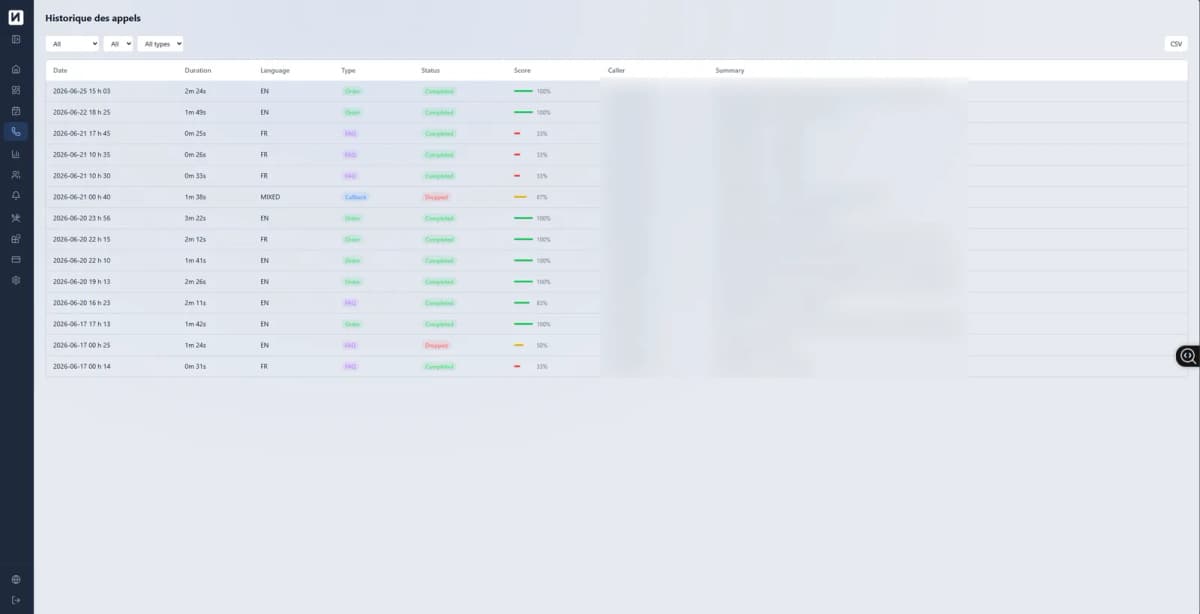
* Properties of the system we run internally — your gains are quantified during the free assessment.
Frequently asked questions
Everything we get asked
What is AI workflow automation?
It's connecting your tools and handing repetitive tasks to AI: reading an email or screenshot, extracting data, then updating your spreadsheets, calendars and reports automatically. Unlike rule-based automation, AI understands unstructured content.
What's the difference from Zapier or Make alone?
Rule-based automations work when data is already clean and structured. As soon as information arrives in a freeform email, a photo, or a PDF, they break. Adding an AI layer lets you read, understand and structure that content before triggering actions.
What processes can be automated?
Anything repetitive that follows a logic: incoming request entry, appointment booking, compliance tracking, quality control, periodic reports, notifications, follow-ups. The free diagnostic identifies the best candidates in your business.
Does it work with my current tools?
Yes, that's the point: we connect to what you already use — Google Sheets and Calendar, Excel, email, WhatsApp, Stripe, your CRM — rather than forcing a new software on you.
How much does it cost?
Each automation is unique, so we work on a fixed quote after a free diagnostic: you know the exact price before saying yes. No surprise subscriptions.
How long does setup take?
A simple automation deploys in a few days; a complete system with multiple scenarios, in a few weeks. The diagnostic gives you a precise timeline.
What if the AI makes a mistake?
We design every flow with human validation checkpoints where stakes justify it, and every execution leaves a complete trace in the logs. You see what was done, when, and with what data.
Is my data secure?
Data is processed in compliance with PIPEDA and hosted in Canada when possible. We document where each piece of data transits before going live.
Custom project
Every business is different
This service is custom-built around your processes and tools. Free 30-minute consultation — we analyze your situation before quoting anything.
Book a free consultationReady to start?
Take back your 20 hours per week
Free 30-60 minute diagnostic: we map your processes, identify what can be automated, and you leave with a plan — whether you work with us or not.
Related pages